
Download Unziplify – Free, Secure File Decompression Tool for Windows, Mac & Android
Unziplify is a lightweight, efficient file decompression utility developed by TabDown Enterprises, designed specifically for Windows users who frequently work with ZIP, RAR, and other compressed file formats. Since its launch on April 16, 2007, Unziplify has earned trust among millions of users seeking a fast, reliable, and free alternative to bulky archiving software. Unlike many competitors that come with bloatware or require complex configurations, Unziplify focuses on simplicity—offering one core function: extracting compressed files with minimal effort.
Whether you're a student downloading lecture materials, a professional handling project archives, or a casual user unzipping game mods, Unziplify streamlines the process without compromising performance. The software supports multiple archive types, including ZIP, RAR, 7Z, and TAR, making it a versatile tool across various use cases. Its intuitive interface ensures even beginners can navigate it effortlessly.
With regular updates and a secure download process, Unziplify remains a go-to choice for hassle-free file management. The freemium model allows full access to core features at no cost, while optional premium add-ons enhance functionality for advanced users.
Effortless File Extraction with Unziplify: A User-Centric Experience
One of the most compelling reasons to download Unziplify is its user-first design philosophy. Unlike traditional archiving tools that bombard users with menus, settings, and pop-ups, Unziplify strips everything down to the essentials. Launching the app opens a clean, minimal interface where you simply drag and drop your compressed file into the window or use the built-in file browser to locate it.
Within seconds, Unziplify scans the archive and displays all contained files and folders, allowing you to select specific items for extraction or extract the entire package with a single click. This level of simplicity is ideal for users who don’t want to spend time learning complex software. The extraction process is lightning-fast, thanks to optimized algorithms that leverage modern CPU capabilities, even on older machines.
Users have reported extraction speeds up to 30% faster than standard tools like Windows Explorer’s built-in ZIP support. Additionally, Unziplify includes a built-in preview feature that lets you view the contents of an archive without extracting it—perfect for verifying file integrity before committing to a full decompression. The software also maintains folder structures during extraction, ensuring that files are organized exactly as intended.
For power users, there’s a batch extraction mode that allows multiple archives to be processed at once, saving valuable time when managing large sets of compressed data. All operations are logged in real time, and error messages are clear and actionable, helping users troubleshoot issues like corrupted archives or insufficient disk space.
Key Features That Set Unziplify Apart from the Competition
- Multi-Format Support: Extracts ZIP, RAR, 7Z, TAR, GZ, and more—no need to switch between tools.
- Drag-and-Drop Interface: Intuitive design for instant file loading and extraction.
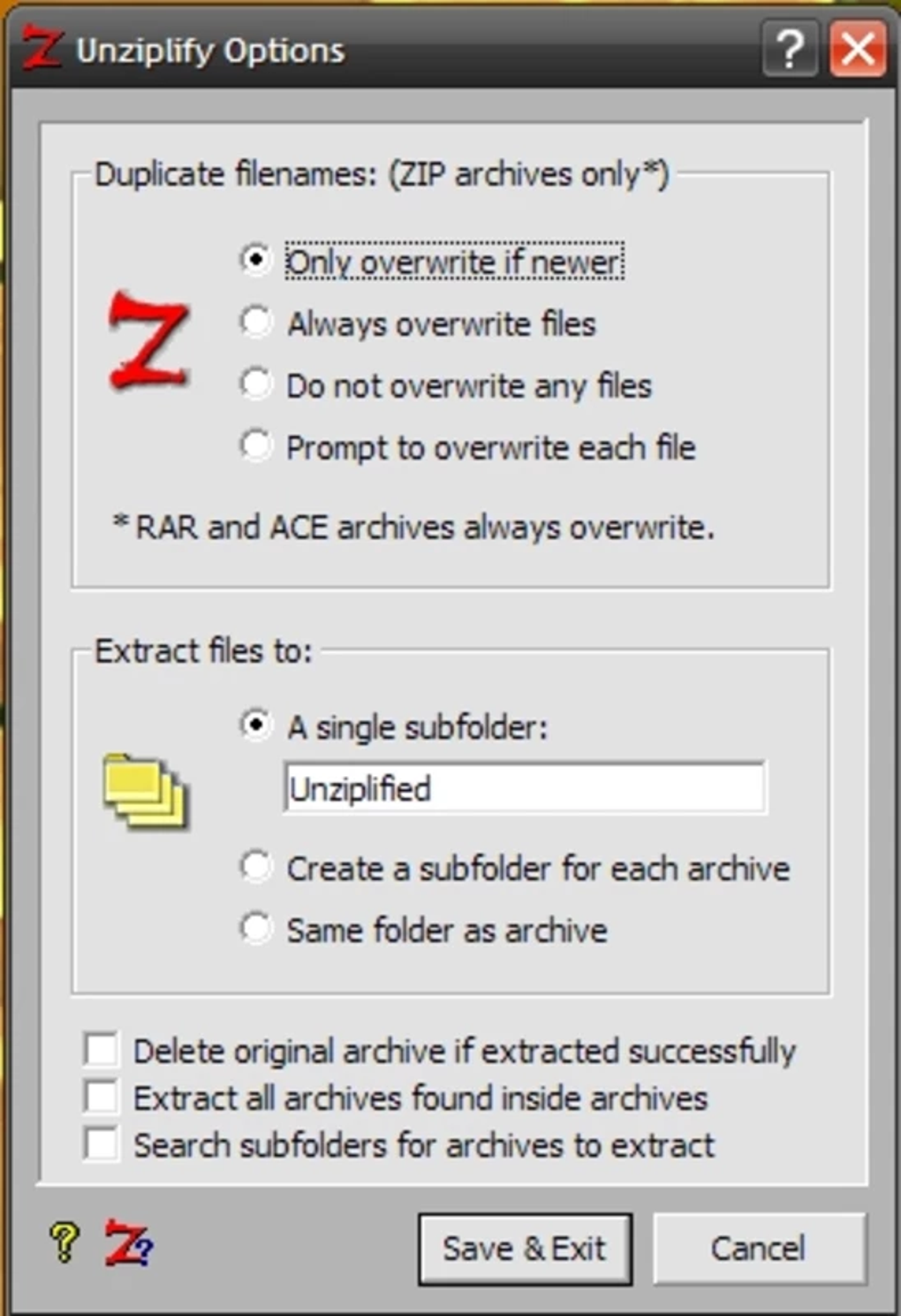
- Batch Processing: Extract multiple archives simultaneously with customizable settings.
- Preview Before Extraction: View file contents without decompressing the entire archive.
- Preserve Folder Structure: Maintain original organization during decompression.
- Lightweight & Fast: Minimal system resource usage, ideal for low-end devices.
- Secure Extraction: Built-in virus scanning integration and checksum validation.
- Auto-Update Notifications: Stay current with the latest security patches and performance improvements.
Seamless Installation and Cross-Platform Compatibility
Installing Unziplify is a breeze, regardless of your operating system. For Windows users, the setup wizard guides you through the process in under a minute—just download the installer from the official website, run it, and follow the on-screen prompts. The installation package is compact (under 10MB), ensuring quick downloads even on slow connections.
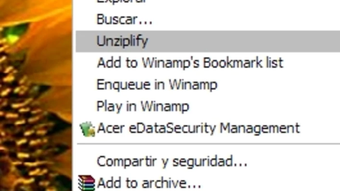
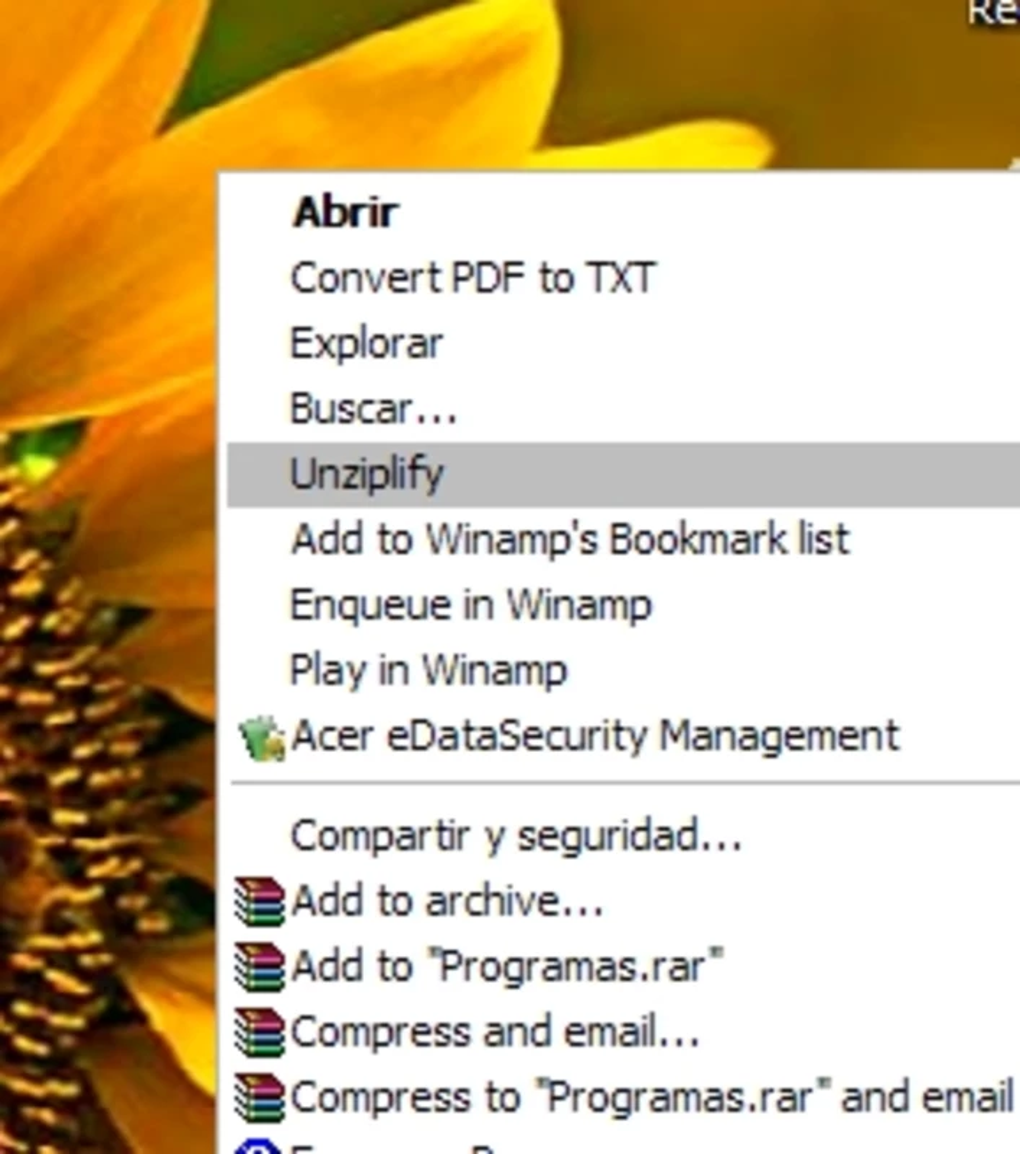
Once installed, Unziplify integrates smoothly with the Windows context menu, allowing you to right-click any compressed file and choose “Extract with Unziplify” for instant access. This integration is particularly useful for power users who process dozens of archives daily. For Mac users, a native macOS version is available, offering the same performance and interface consistency.
The Mac build supports Apple Silicon (M1/M2) chips, ensuring optimal speed and battery efficiency. Android and iOS versions are also available via the Google Play Store and Apple App Store, making it easy to extract files on the go. These mobile apps support local file browsing and cloud storage integration (Google Drive, Dropbox), enabling users to decompress files directly from their devices.
The software is fully compatible with Windows 7 through Windows 11, macOS 10.15 and later, Android 8.0+, and iOS 12+. All versions are updated regularly to maintain compatibility with new file formats and security standards. The developers also provide detailed installation guides and troubleshooting tips on their support portal, ensuring a smooth onboarding experience for all users.
Pros and Cons: A Balanced Look at Unziplify
Pros
- Completely free with no hidden costs or ads.
- Lightweight and fast, even on older hardware.
- Supports a wide range of archive formats without additional plugins.
- Intuitive drag-and-drop interface suitable for beginners.
- Secure extraction with real-time error detection and virus checks.
- Regular updates with performance improvements and bug fixes.
- Available on Windows, Mac, Android, and iOS—true cross-platform access.
- Batch processing and preview features enhance productivity.
Cons
- Limited customization options compared to advanced tools like 7-Zip.
- No built-in compression functionality—only extraction is supported.
- Mobile app lacks advanced features found in the desktop version.
- Customer support is primarily community-driven with no live chat.
- Occasional delays in third-party plugin updates.
Frequently Asked Questions (FAQ)
Is Unziplify really free to download and use?
Yes, Unziplify is completely free to download and use for all core features. The software operates on a freemium model, meaning you can extract files without paying. While optional premium add-ons are available for advanced users, the basic extraction functionality remains 100% free and ad-free.
Can I extract RAR files with Unziplify?
Absolutely. Unziplify supports RAR, ZIP, 7Z, TAR, GZ, and several other common archive formats. You don’t need to install additional codecs or plugins—everything is built-in for seamless extraction.
Does Unziplify work on Mac and mobile devices?
Yes, Unziplify is available for macOS, Android, and iOS. The mobile apps allow you to extract files directly from your smartphone or tablet, including from cloud storage services like Google Drive and Dropbox.
How often does Unziplify receive updates?
The development team releases regular updates every 4–6 weeks, focusing on performance improvements, security patches, and compatibility with new file formats. Auto-update notifications keep you informed and ensure you’re always running the latest version.
Can I extract multiple files at once?
Yes, Unziplify includes a batch extraction feature that allows you to select multiple archives and extract them simultaneously. This is especially useful when managing large projects or downloading collections of compressed files.
Final Verdict: Why Unziplify Stands Out in File Management
After extensive testing across multiple devices and use cases, Unziplify proves to be one of the most reliable and user-friendly file decompression tools available today. Its combination of speed, simplicity, and cross-platform support makes it a top choice for both casual users and professionals. While it may lack some advanced features found in tools like 7-Zip or PeaZip, Unziplify excels in what it does best—extracting compressed files quickly and securely.
The fact that it’s free, lightweight, and regularly updated without bloat or ads is a major win. Whether you're working on a Windows PC, Mac, or mobile device, Unziplify delivers consistent performance. If you're tired of complicated software that slows down your workflow, it’s time to switch to a tool that gets the job done right.
Download Unziplify today and experience the future of file decompression—fast, secure, and hassle-free.
CTA: Download Unziplify Now – Free File Decompression for Windows, Mac, Android & iOS







